- English
- Español
- Português
- русский
- Français
- 日本語
- Deutsch
- tiếng Việt
- Italiano
- Nederlands
- ภาษาไทย
- Polski
- 한국어
- Svenska
- magyar
- Malay
- বাংলা ভাষার
- Dansk
- Suomi
- हिन्दी
- Pilipino
- Türkçe
- Gaeilge
- العربية
- Indonesia
- Norsk
- تمل
- český
- ελληνικά
- український
- Javanese
- فارسی
- தமிழ்
- తెలుగు
- नेपाली
- Burmese
- български
- ລາວ
- Latine
- Қазақша
- Euskal
- Azərbaycan
- Slovenský jazyk
- Македонски
- Lietuvos
- Eesti Keel
- Română
- Slovenski
- मराठी
- Srpski језик

Touch Screen Stretched Bar LCD Display for U.S. Digital Signage Buyers in 2026
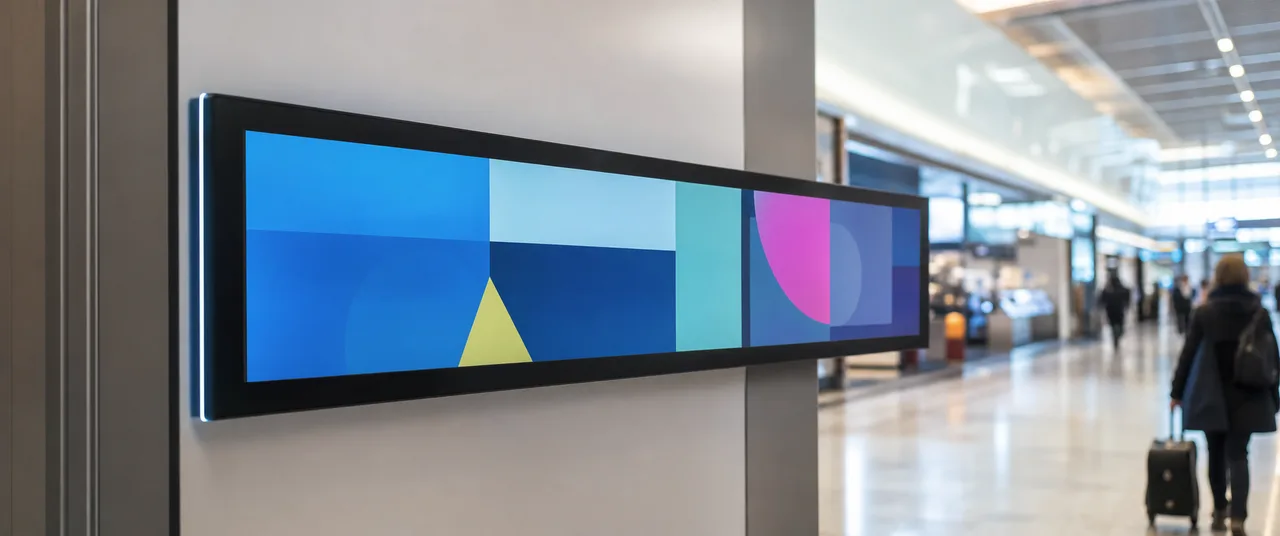
Key Takeaways for Specifying a Custom Stretched Bar Display
Key Takeaways
- Confirm the exact panel resolution and active display area for each configuration; stretched-format products are not defined by one universal resolution.
- Touch is usually an option, not an automatic inclusion. Specify touch technology, cover glass, operating environment, and intended interaction.
- Brightness must match the installation. TopAdkiosk lists options from 700 to 2000 nits, but higher brightness can affect heat, power, and viewing comfort indoors.
- Ask for the complete integration package: mounting method, media player, CMS workflow, network access, warranty terms, and replacement-panel support.
A stretched bar LCD is useful when a standard 16:9 screen wastes space. Retail shelf edges, elevator interiors, transit information points, checkout lanes, showroom counters, and narrow wall bays can all benefit from a long-format screen that fits the architecture instead of fighting it.
TopAdkiosk’s customized narrow-format display platform combines a TFT LCD panel with a metal housing, digital signage playback, and optional interactive functions. The practical value is not the shape alone. It is the ability to specify the panel format, enclosure, mounting, content control, brightness, and touch package around the site. Buyers should treat the display as a small integrated signage system, not simply as a monitor with an unusual aspect ratio.
Touch Screen Stretched Bar LCD Display FAQ for U.S. Buyers
Which resolution applies, what does the stretched display format mean, and is touch standard or optional?
A stretched display uses a wide or narrow active image area that differs from the familiar 16:9 television format. The exact pixel resolution depends on the panel selected and the finished configuration. TopAdkiosk’s product information lists differing resolution figures, so the correct value should be confirmed on the quotation and technical drawing rather than copied from a general product page.
That distinction matters for content production. A standard 16:9 video may appear cropped, letterboxed, or badly scaled on a stretched bar screen. Your creative team should receive the final pixel dimensions before designing motion graphics, menus, or promotional layouts. Touch is listed as an optional function, along with wired networking, Wi-Fi, motion sensing, and camera functions. Specify whether you need projected-capacitive touch, the number of simultaneous touch points, cover-glass thickness, glove use, and protection against accidental contact.
What should buyers confirm about lead time, MOQ, warranty, support, CMS workflow, and existing signage integration?
Confirm these items before approving a purchase order: minimum order quantity, sample availability, production lead time after design approval, shipping terms, warranty coverage, spare-part policy, and who handles first-line technical support. These details vary with panel size, enclosure changes, touch hardware, media-player selection, and order volume.
Also test the content workflow. The listed system supports USB and SD-card playback, HDMI input, scheduled playback, split-screen templates, and remote content updates, with Android 4.4.2-based operation described for the platform. That does not automatically mean it will connect to your existing CMS. Ask whether your CMS runs through an Android application, browser interface, HDMI player, or another approved method. For a multi-location rollout, verify remote monitoring, device permissions, network security, and recovery after power interruption.
Stretched Bar LCD Specifications to Compare Before Ordering
A supplier comparison should put the physical and operational specifications on one page. Panel dimensions alone are not enough. The active image area, overall enclosure size, bezel width, mounting points, cable exit location, and service access can determine whether the unit fits your site without fabrication changes.
| Specification | What to confirm |
|---|---|
| Resolution and aspect ratio | Final pixel dimensions, active display area, image scaling behavior, and approved content canvas |
| Brightness | Required nits for ambient light, glare, viewing distance, and indoor or outdoor placement |
| Viewing and response | 178/178 viewing angle and 8 ms response time as listed, subject to configuration confirmation |
| Inputs and playback | USB, SD card, HDMI, operating system, scheduling, split-screen support, and CMS compatibility |
| Mechanical design | Metal housing, mounting orientation, ventilation, service access, and cable routing |
The advertised 178/178 viewing angle and 8 ms response time are useful reference points, but they should be tied to the exact panel configuration. Ask for a current datasheet or sample unit if the display will show small text, fast promotional content, or information viewed from a sharp side angle.
How to Specify Brightness, Size, Touch, Mounting, Connectivity, and Content Control
Start with the site, not the catalog. Measure the available opening, the viewer’s distance, the strongest ambient light, and the location of power and data connections. A 700-nit indoor display may be appropriate in a controlled retail interior, while a brighter option may be needed near storefront glazing. TopAdkiosk lists brightness choices from 700 to 2000 nits. Higher output is not automatically better; it can introduce glare, added heat, and unnecessary power consumption in a dim environment.
Choose touch only when the user has a clear task: browsing products, checking prices, finding a wayfinding route, or submitting information. For passive advertising, touch adds cost and another surface that needs cleaning and protection. Select wall, shelf, or tabletop installation according to the load path and service plan. Then define connectivity and content control. USB or SD playback may suit a single screen, while remote updates and scheduled playlists are more useful for distributed sites. Use this custom stretched bar LCD display page as the starting point for matching those options to the project.
- Send the supplier the opening dimensions, viewing distance, mounting orientation, and ambient-light conditions.
- Approve the resolution, bezel, enclosure, touch layer, and cable layout on a technical drawing.
- Test the intended media files and CMS workflow on a sample or pre-production unit.
- Confirm packaging, inspection criteria, warranty response, and spare-unit requirements before shipment.
TopAdkiosk Customized LCD Display Manufacturing for Digital Signage and Kiosk Integrators
Shenzhen TopAdkiosk Technology Co., Ltd., also identified on its website as Shenzhen TopAdkiosk Display Technology Co., Ltd., manufactures customized LCD displays and kiosk products for international buyers. Its product range includes indoor and outdoor digital signage, touch-screen kiosks, self-service terminals, LCD video walls, transparent and curved displays, monitors, open-frame screens, OLED displays, and stretched bar LCD products.
For integrators, the main benefit is having display hardware and mechanical requirements discussed together. The company describes metal-housing construction, USB, SD-card, and HDMI inputs, wall, shelf, and tabletop installation, remote content updates, scheduled playback, and split-screen templates. Optional wired networking, Wi-Fi, touch, motion sensing, and camera functions allow the unit to be configured for advertising or interactive information use.
Do not assume that every option belongs to every model. Request the exact bill of materials, panel data, operating-system version, power input, mounting drawing, and inspection standard for your configuration. The listed AC100–240V input supports common international supply ranges, but site wiring, plug type, local code requirements, and installation method still need review by your project team.
Request a Custom Touch Screen Stretched Bar LCD Display Quote from TopAdkiosk
A useful quotation should describe more than screen size and unit price. Include the target application, quantity, delivery location, image dimensions, brightness requirement, touch requirement, mounting method, content source, network environment, and any enclosure or branding changes. If you already operate digital signage, name the CMS and explain how devices receive content. That gives the manufacturer a chance to identify compatibility issues before production.
Ask TopAdkiosk to confirm the final resolution, active area, bezel and housing dimensions, input ports, Android or media-player configuration, brightness, viewing angle, response time, power input, lead time, MOQ, warranty, and support process. For a larger rollout, request a sample unit or approval sample before committing to the full batch. You can review the TopAdkiosk Touch Screen Stretched Bar LCD Display specification and send the site requirements directly through the company’s product channel.
Start with Your Site Requirements
Send TopAdkiosk your dimensions, viewing conditions, touch and CMS requirements, quantity, and delivery location. Ask for a configuration-specific drawing and quotation before approving production.
Visit Official Website →